Skip to content
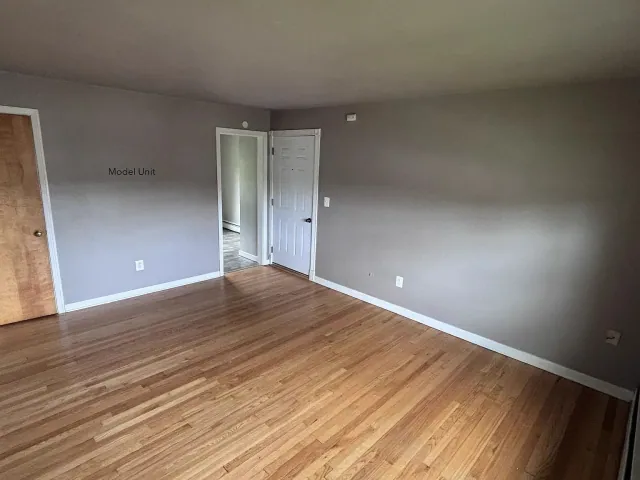
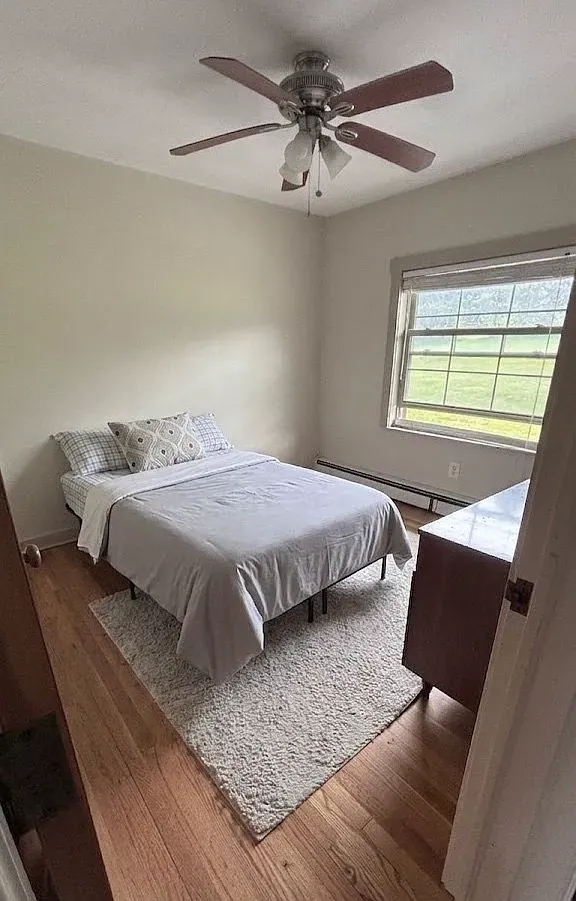
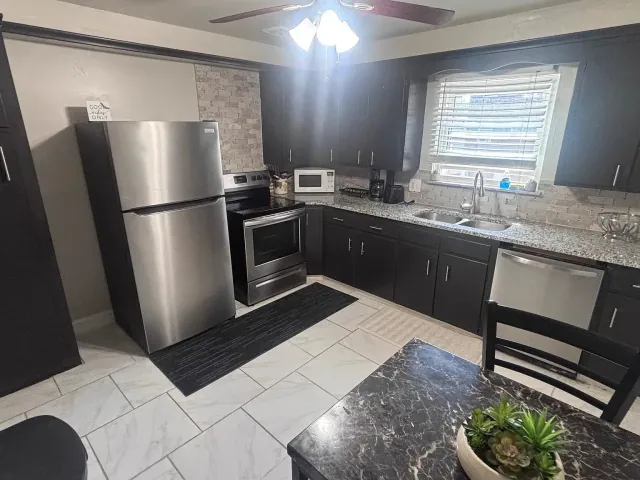
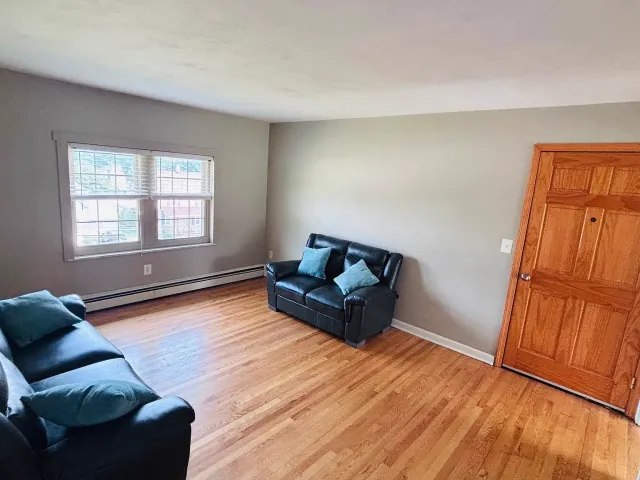
Apartment interior used to illustrate the application guide.

Applications through Zillow

How to apply

Confirm the apartment and its terms before applying through the current Zillow unit listing. After approval, leasing provides move-in instructions and your RentRedi tenant invitation.

Choose the right next step

Stored exact-unit link

Mason Hall 3A, 7B, 8B and 11C, plus Riverside Unit 1, have stored exact Zillow destinations. Confirm the unit identity, current availability and application instructions with leasing, then open that apartment’s link.

Choose an apartment

Address search

Main Street and Court Street search links help you browse an address. They do not confirm an exact application page or prove that one is absent. Ask leasing for the correct unit and provider instructions before submitting.

Ask for unit instructions

Future project

8 Main leasing starts January 1, 2027, with pricing and readiness by inquiry. 81 Court is estimated for Q2 2028 and is inquiry-only. Send your dates first; confirm readiness and written terms before paying for screening.

From first tour to move-in

  1. 1

    Confirm the unit

    Choose the exact apartment, then ask leasing whether it is accepting applications for your dates. Status, rent and availability here are stored terms; construction listings require a readiness check.

  2. 2

    Arrange a tour

    Inspect the apartment, entrance, shared areas, laundry, and parking. Ask about utilities, accessibility, occupancy, pet terms, and the lease.

  3. 3

    Use the correct Zillow link

    Five stored links lead to exact Johnson City unit pages; fifteen lead to Main Street or Court Street address searches. Confirm the exact apartment and application destination with leasing. A search is only for browsing.

  4. 4

    Review requirements before submitting

    Use the current provider instructions for screening documents and any lawful charges. Ask leasing about reusable reports or an application accommodation before paying.

  5. 5

    Review the lease and move-in instructions

    Confirm the written rent, deposit, utility responsibilities, dates, and payment instructions. The signed agreement determines the terms; this website is not a fee schedule.

  6. 6

    Connect your tenant account

    After approval, use leasing’s invitation to connect the correct apartment in RentRedi for rent and routine repairs. Follow your lease’s urgent maintenance instructions for urgent property problems; contact emergency services for immediate danger.

Protect your application information

Use the confirmed application provider for screening. Keep Social Security numbers, identity documents, payment details, and financial records out of the public website inquiry form.

New York tenant guidance

Units with a stored available status

Confirm the current status and move-in date with leasing before applying.

291 Riverside Dr / Unit 1
Available
$1,700 mo

291-301 Riverside DriveJohnson City, NY

291 Riverside Dr / Unit 1

Johnson City

2 bed · 1 bath · Johnson City

Available now

Two-bedroom apartment at 291-301 Riverside Drive in Johnson City. The stored listing includes interior photographs; confirm current availability, move-in readiness, rent and deposit with leasing.

Rental
2 bed1 bath1,000 sfJohnson City

Application questions

Where do I apply?

Use the current Zillow unit listing after confirming that the apartment is accepting applications. If a link opens an address search, contact leasing before submitting or paying for screening.

Does an address search let me apply for the apartment?

No. An address search is a browsing destination, not a confirmed unit application link. The fifteen stored Main Street and Court Street links are address searches. Ask leasing to confirm the exact unit page and acceptance of applications before submitting information or paying for screening.

How do I proceed with an 8 Main or 81 Court project inquiry?

8 Main has four existing studios being renovated, with leasing from January 1, 2027; rent, deposit and readiness are by inquiry. 81 Court has nine planned apartments and a planned renovated first-floor storefront, with estimated Q2 2028 rental availability and inquiry-only terms. Send your dates and requirements first, then wait for confirmed written terms, readiness and exact application instructions. 11 Main has no confirmed current move-in date.

What does screening cost?

This website does not publish a universal application fee. Review the current provider instructions and ask leasing to confirm lawful charges and any reusable-report options before submitting.

What if I have a question about eligibility or an accommodation?

Email leasing@binghamtonliving.com before submitting an application. We are an equal-opportunity housing provider. Do not send identity documents or financial records through the general website inquiry form.

What should I check on a tour?

Check locks, windows, lighting, ventilation, appliances, plumbing, laundry, entrances, and parking. Ask who pays each utility, what is included, and how repairs are handled. Compare the trip to work or class at your usual travel time.

What should I read in the lease?

Review rent and lawful charges, deposit terms, start and end dates, notice requirements, occupancy, roommate responsibility, subletting, early termination, pets, utilities, parking, and maintenance. Ask questions before signing and keep a copy.

Can I apply with a Housing Choice Voucher?

Contact leasing about the unit and tell us which authority issued your voucher. Coordinate approval, required paperwork, and inspection with your caseworker. Lawful sources of income are protected in New York.

Where will I pay rent after moving in?

Use your invited RentRedi tenant account for rent payments, following the signed lease and confirmed account instructions. Review payment options and current fees in RentRedi. Email leasing@binghamtonliving.com if you need an invitation or clarification before changing how you pay.

Already on a lease? Tenant account and help.